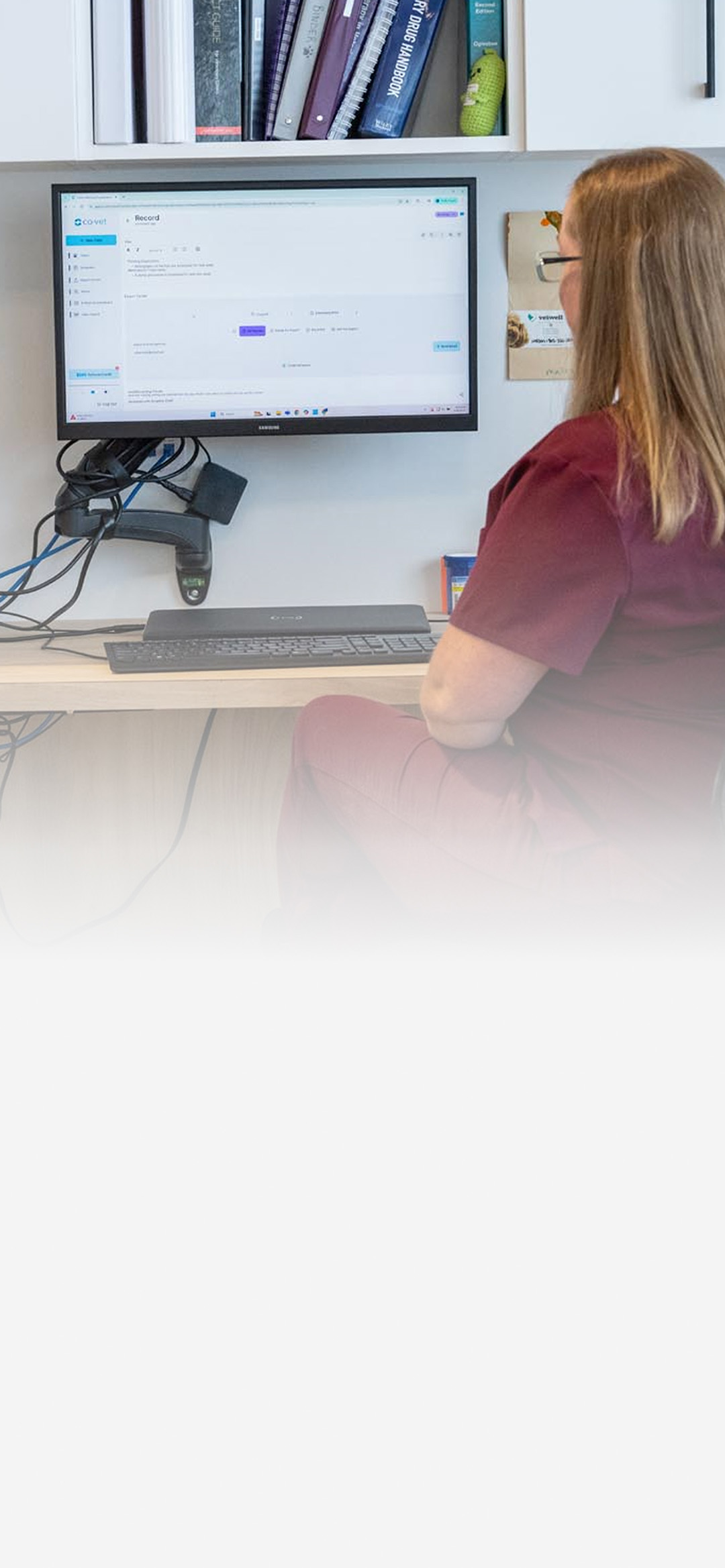
Getting Started
Learn the essentials in a few minutes
Six quick videos walk you through the everyday workflows in CoVet. Watch them in order, or jump to the feature you need first.
Getting Started
Learn the essentials in a few minutes
Six quick videos walk you through the everyday workflows in CoVet. Watch them in order, or jump to the feature you need first.
Start with the basics, then explore the tools that fit your day.
Start with the basics, then explore the tools that fit your day.
How to Create a Medical Record from an Audio Recording
Turn a consultation recording into a structured medical record.
How to Summarize a Medical History from PDF
Upload a patient’s prior records and create a clean, scannable medical history summary.
How to Generate a Visit Summary
Send clients home with a clear, professional summary they can follow.
How to Use the Phone Calling Feature
Capture phone consults the same way you capture in-person visits, with less manual note-taking.
How to Export a Record
Copy and paste, use the Chrome extension, or export through direct integrations.
Custom & Community Templates
Build custom templates with the AI Template Builder, then explore shared resources from the CoVet community.
CoVet Learning Labs
Join our live webinars to learn how to optimize your workflow and get the most out of CoVet.
See webinarsWant to go deeper?
Visit the Help Center for step-by-step guides, troubleshooting help, and answers to common questions. Prefer a walkthrough? Book a demo and we’ll help you get started.